The One He Missed · free · Windows, Linux and Android
Play The One He Missed
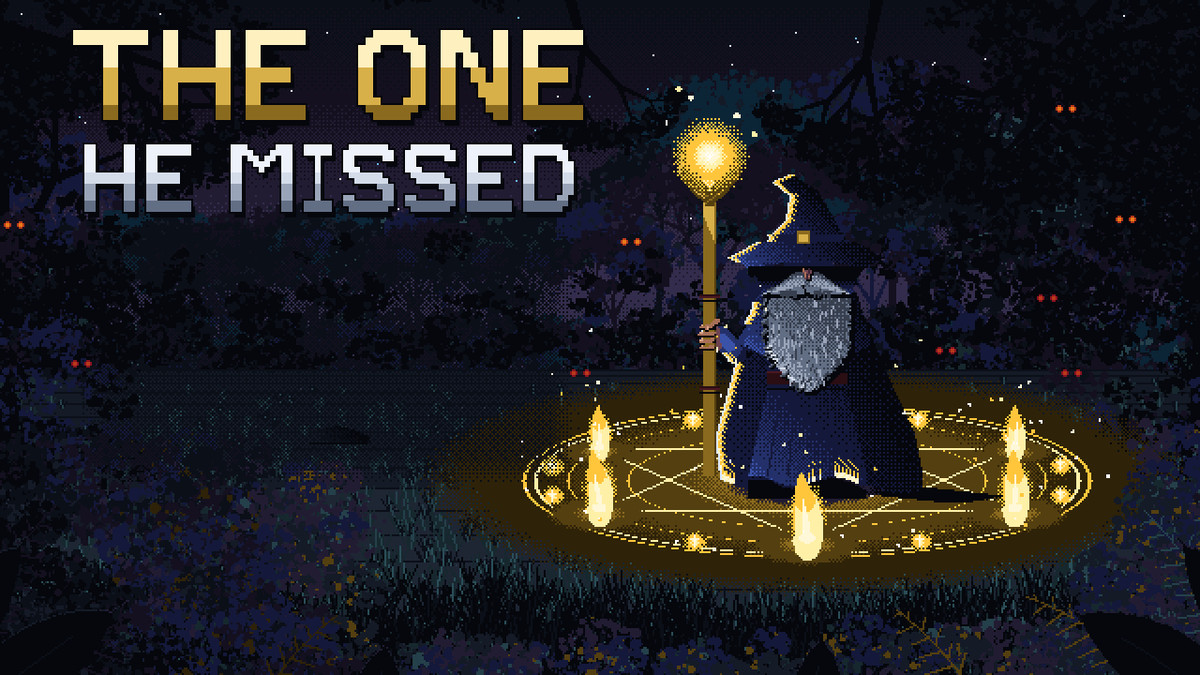
You move; your spells fire themselves. Pick your upgrades, choose where to stand, and outlast the horde across eight chapters and nine bosses.
Want to try it first? Play a 30-second demo in your browser
On Windows and rather not install anything? Get the portable zip, unzip it somewhere like Documents and run TheOneHeMissed.exe.
On Windows
- Run TheOneHeMissed-Setup.exe. It installs in a few seconds, with no admin password needed.
- Start The One He Missed from the desktop shortcut or the Start menu.
- Move with the keyboard or a controller. Your spells cast themselves, so focus on staying alive.
Windows might say "Windows protected your PC". That's because this game isn't from a big company. Click More info, then Run anyway.
It keeps itself up to date. Each time it starts, it checks for new spells and fixes and installs them by itself.
On an Android phone
- On the phone, open this page and tap Download for Android.
- When it has downloaded, tap TheOneHeMissed-android.apk to open it.
- Android asks whether your browser may install apps. Tap Settings, turn on Allow from this source, go back, and tap Install.
- Open The One He Missed from the home screen. Put your thumb anywhere on the screen and drag to move.
It isn't on the Play Store yet, so Android might say it doesn't recognise the app. Tap More details, then Install anyway.
Updates: when a new version is out, the game tells you on its title screen. Tap Download there and install it over the top - your progress stays.
On Linux
- Download TheOneHeMissed-linux.tar.gz and unpack it.
- In a terminal in the unpacked folder, run ./install.sh. It adds The One He Missed to your app menu, with no password needed.
- Start The One He Missed from your app menu.
It keeps itself up to date, the same as on Windows. To remove it, run ~/.local/share/TheOneHeMissed/install.sh --uninstall.